Before paying for a machinery manual, check the language of the offered document and ask for a readable sample tied to that exact publication. An English product title, a translated website or a familiar model name leaves that question open.
Separate the website language from the publication language
John Deere’s Technical Information Store search provides a Language preference under Settings and a separate Publication Language filter. Its result details also distinguish Languages from Edition. Use the publication field when making a shortlist; changing the shopping interface does not verify the document you will receive.
Keep the full publication reference and any suffix with the language evidence. Do not decode an unfamiliar suffix into a language without confirmation for that exact publication. A geographic edition label also needs its own explanation; it does not answer every language or machine-coverage question.
What two real catalog listings tell you
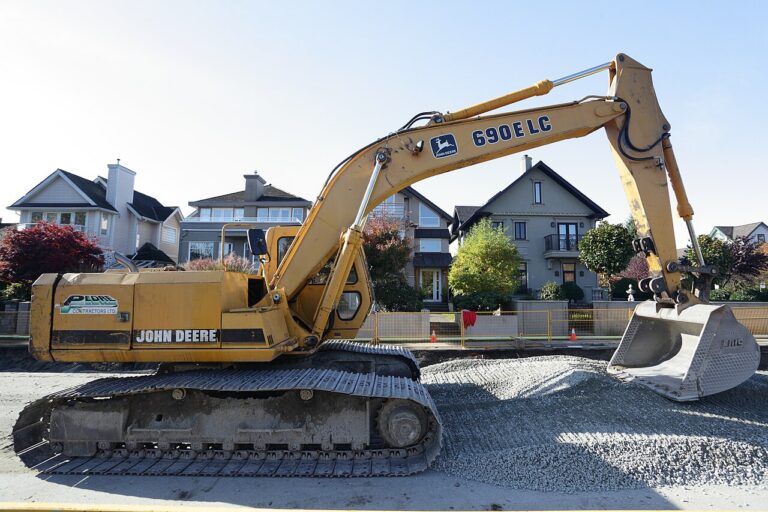
The John Deere 160LC Operation and Test Manual TM1661 lists its language as English. By contrast, the John Deere catalog marks the 208, 225, 230 and 240 Skidder Operator’s Manual as “LANGUAGE NOT SPECIFIED”; that document page has no language field displayed.
These are catalog observations checked on October 18, 2026. We have not inspected either supplied PDF. The first listing gives you a stated language to confirm; the second requires clarification. Its English title is insufficient evidence to fill the missing field.
Ask for evidence you can compare
| Evidence | What to check |
|---|---|
| Language stated in the offer | Is it attached to the exact publication and version being sold? |
| Title or identification page | Can you connect the sample to that publication reference and issue? |
| Representative text and diagram labels | Can you read the wording you need, beyond the cover or translated listing? |
| A multilingual description | Which languages are included, and do they cover the relevant sections? |
A single English page cannot establish the language of every section. Ask about any mixed-language sections or supplements relevant to your task. If the text appears translated, ask who supplied that version and how it relates to the identified original; do not assume that a seller’s translation is a manufacturer publication.
If no suitable preview is available, request confirmation from the supplier. Keep the language question unresolved when the listing, sample and reply disagree. Do not buy on the assumption that you can translate an uncertain document later.
Send a precise question before ordering
Try: “I need this manual in [language]. Please confirm the language of the exact file supplied for [publication reference and issue], including any relevant supplements. Can you provide a permitted sample of the identification page and representative text or diagram labels? Your listing shows [stated language or missing information].”
Keep the reply with your selection notes. Check the edition and revision separately. After delivery, compare the file with the offer and use the readability and missing-pages checklist. A confirmed language still leaves the machine’s applicability and the document’s coverage to verify.